
 WhatsApp: +86 16626708626
 Email:
  Phone: +86 16626708626
Description
Key Technical Specifications
- Model: VM-5H3
- Brand: Shinkawa
- Product family: VM-5 Series instrument rack
- Mounting type: Rack mounting
- Monitor capacity: Up to 8 monitor units
- Power supply: 1 power supply unit
- Operating temperature: 0 to 65 °C
- Storage temperature: -30 to +85 °C
- Humidity: 20 to 95% RH, non-condensing
- Serial interface: D-Sub 9P connectors, IN/OUT
- Alarm contact output: Dry contact, C contact
- Contact rating: 250 VAC, 5 A resistive; 30 VDC, 5 A
- Weight: Max. 9 kg
Product Introduction
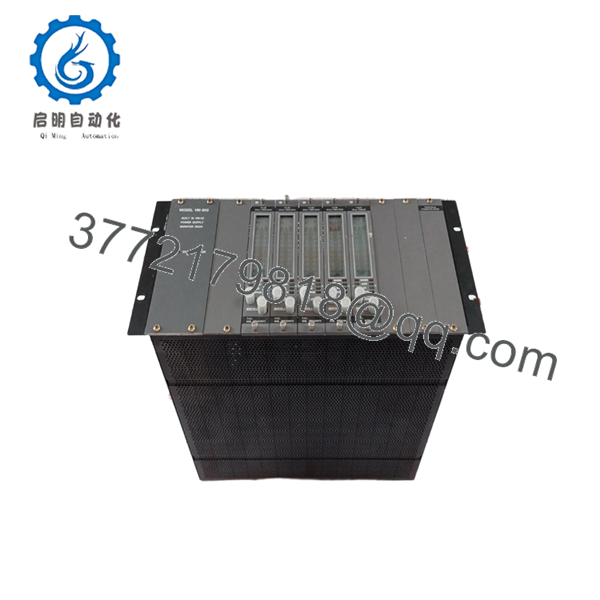
Shinkawa VM-5H3 is a VM-5 Series instrument rack used to house and support Shinkawa monitoring modules in rotating machinery protection systems. It is the rack platform for applications that need centralized alarm handling, internal power distribution, and serial interconnection.
This rack is selected when the site already uses the VM-5 ecosystem and needs the correct housing for monitor units, wiring, and system interlocks. The key buying point is fit and compatibility: verify the installed module count, power arrangement, and connector layout before ordering a replacement.
Troubleshooting Quick Reference
| Symptom | Possible Cause | Relevance to this Part | Quick Check Method | Recommendation |
|---|---|---|---|---|
| Rack has no power indication | Missing supply voltage or failed PSU | ✅ High | Measure rack input voltage at the power terminals and check the green power LED | Check the PSU, fuses, and incoming supply before replacing the rack |
| One or more monitor units are dead | Backplane issue, loose seating, or failed module | ✅ High | Reseat the monitor unit and verify 24 V or specified supply at the rack | Inspect connector seating and rack backplane condition |
| Alarm contacts stay in one state | Wiring fault or external relay load issue | ✅ Medium | Check continuity at the dry contact output and confirm load rating | Verify field wiring and relay logic before condemning the rack |
| Serial communication is unstable | Loose D-Sub connection or cabling error | ✅ High | Inspect the IN/OUT D-Sub 9P cables and test continuity pin to pin | Replace damaged cables and confirm connector pinout |
| System trips during startup | Incorrect module count or configuration mismatch | ✅ Medium | Compare installed units against rack capacity and setup records | Confirm the rack is configured for the installed modules |
| Rack runs hot | Cabinet ventilation issue or overloaded installation | ❌ Low | Measure cabinet ambient temperature and airflow at the rack location | Improve enclosure cooling before replacement |
Contact technical support with photos of the rack, connector ends, and any alarm logs if the fault is still unclear.

- VM-5H3
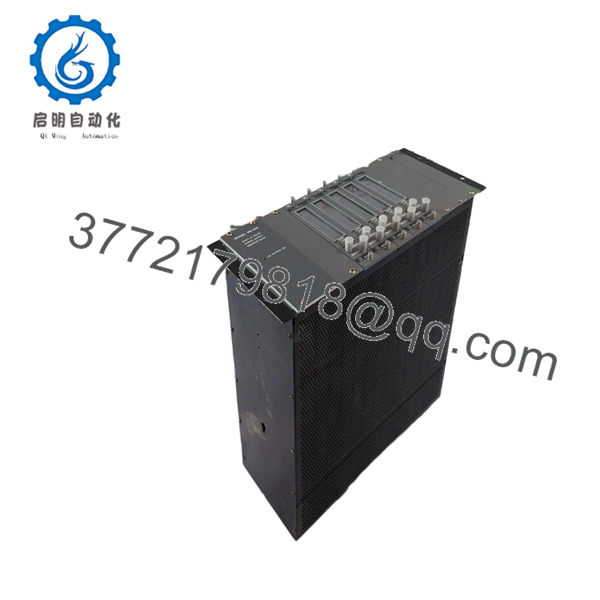
- VM-5H3
Frequently Asked Questions
Q: What is the VM-5H3 used for?
A: It is the instrument rack for Shinkawa VM-5 Series monitoring systems. In practice, it holds the monitor units, power arrangement, and alarm interface for rotating machinery protection.
Q: Is VM-5H3 a replacement part or a complete system?
A: It is the rack housing, not the individual sensor monitor card. If you need a full replacement, confirm whether you are buying the rack only or a complete assembled monitor set.
Q: How many modules can it hold?
A: The published specification shows support for up to 8 monitor units. That matters if you are matching an existing cabinet, because the installed count must stay within the rack limit.
Q: Can I reuse my existing wiring?
A: Usually yes, if the connector type, terminal assignment, and field wiring match the old rack. Do not assume pinout compatibility from memory; check the manual and compare the old and new rack before landing wires.
Q: Is it hot-swappable?
A: No, treat it as powered industrial equipment and isolate the cabinet first. Pulling rack hardware live is asking for a backplane fault or a failed module.
Q: Why do surplus units sell below factory list price?
A: Because they are typically excess inventory, project leftovers, or unused stock from a prior build. That lower price does not reduce the need to verify physical condition, completeness, and functional status.
Q: What should I verify before placing an order?
A: Confirm the exact model code, number of installed modules, power supply arrangement, and connector style. If the site is down, also photograph the existing rack and wiring before removal so you can mirror it exactly on the replacement.



