
 WhatsApp: +86 16626708626
 Email:
  Phone: +86 16626708626
Description
3. Key Technical Specifications
| Parameter | Value |
|---|---|
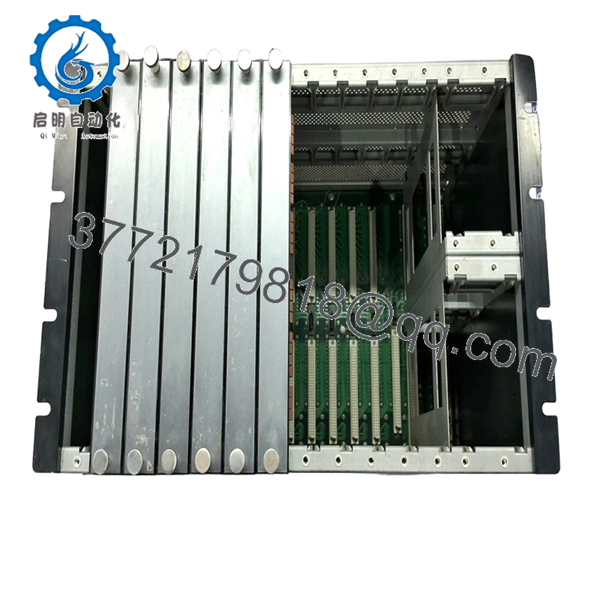
| Rack Type | VM-761B Instrument Rack (European terminal type) |
| System Compatibility | VM-7 Series modules (VM-701B, VM-741B, VM-742B, etc.) |
| Rack Size | 6U, 19-inch standard |
| Dimensions | 482.6 × 265.9 × 350 mm |
| Max Channel Capacity | Up to 44 vibration channels |
| Power Supply | Dual redundant modules supported (VM-751B / 753B / 754B) |
| Power Input Options | 100–240 VAC / 24 VDC / 110–220 VDC |
| Output Connectors | 9-pin D-sub ×11 (rear panel) |
| Operating Temperature | 0 to +65°C |
| Weight | Max. 9.5 kg (excluding plugs) |
| Mounting | Panel-mounted rack system |
| Compliance | API 670 / ISO machinery protection standards |
4. Product Introduction & Supply Chain Strategy
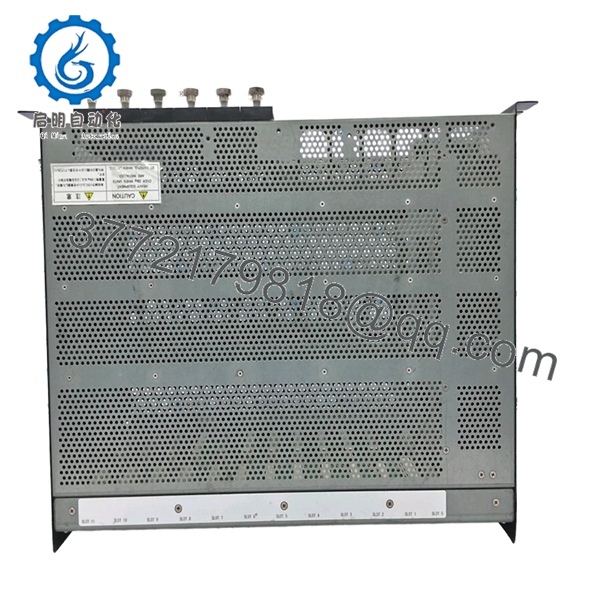
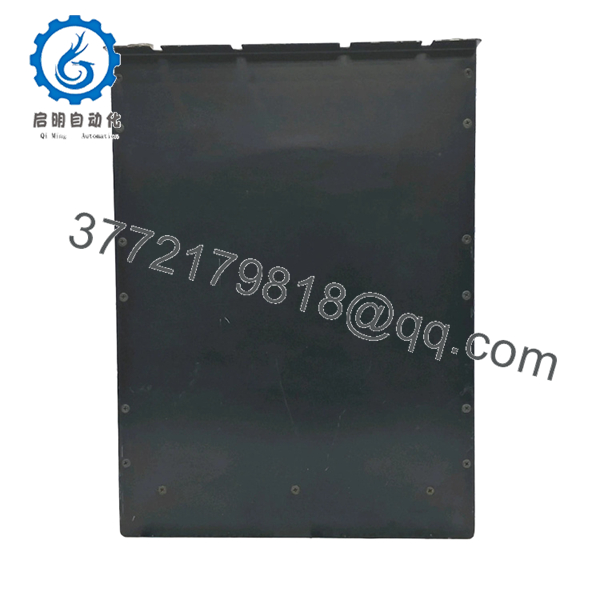
The SHINKAWA VM-761B is a 19-inch instrument rack designed for the VM-7 machinery monitoring system. It provides mechanical housing, power distribution, and backplane connectivity for monitoring modules used in turbine supervisory instrumentation (TSI), compressors, and other critical rotating equipment.
From a supply-chain perspective, this rack is core infrastructure, not just a spare. Failure disables the entire monitoring system. With VM-7 platforms widely installed but gradually aging, lead time variability is high and OEM supply is tightening. A controlled buffer stock (minimum 1 unit per site) combined with last-time-buy planning protects plant reliability and avoids high-cost emergency sourcing.

- VM-761B
- VM-761B
- VM-761B
5. Installation & Configuration Guide
Stage 1: Pre-Installation (Prep & Safety)
- Execute full Lock-Out/Tag-Out (LOTO).
- Verify complete isolation of AC/DC supply inputs.
- Use ESD protection.
- Document:
- Module layout (slot positions)
- Terminal wiring and D-sub connections
- Power supply configuration (primary/secondary)
Stage 2: Removal
- Power down entire rack.
- Remove all installed modules first (front extraction).
- Disconnect rear wiring harnesses and D-sub connectors.
- Unbolt rack evenly from panel.
- Extract straight outward—avoid twisting to protect mounting frame.
Stage 3: Installation (Clone & Seat)
- Mount VM-761B securely in panel (check load-bearing support).
- Install power supply modules (primary + optional redundant).
- Reinsert modules in original slot sequence.
- Reconnect all terminal blocks and connectors per documentation.
Stage 4: Power-On & Testing
- Verify no short circuits on power terminals.
- Apply power and confirm:
- SYSTEM-OK status
- No rack-level alarm outputs triggered
- Validate:
- Communication modules active (VM-741B / VM-742B)
- All monitoring channels reporting correctly
6. Firmware/Software Versions & Upgrade Notes
- The VM-761B rack itself contains no firmware; functionality depends on installed modules.
- Compatibility considerations:
- Must match VM-7 module generation (B-series modules recommended).
- Backplane supports redundancy logic for power and communication modules.
- Critical risk:
- Mixing older/non-B modules can cause communication mismatch or alarm logic inconsistency.
- Best practice:
- Maintain homogeneous module revisions within the same rack.
- Avoid introducing new module firmware revisions during rack replacement unless fully validated.
7. Frequently Asked Questions (FAQ)
Q1: Is this VM-761B rack truly new or just cleaned surplus?
This is a New Surplus unit—unused OEM hardware with no mounting wear, no connector fatigue, and full traceability. It is not refurbished or pulled from service.
Q2: Why is the rack considered critical inventory?
Because it is the system backbone. If the rack fails (power bus or backplane fault), all monitoring modules become inoperable simultaneously.
Q3: Why avoid refurbished racks?
Refurbished racks often have hidden backplane degradation or connector wear. These faults are intermittent and difficult to diagnose, leading to unpredictable downtime.
Q4: Is VM-761B still available from OEM?
Availability is limited and subject to long lead times. This is a mature lifecycle product, requiring proactive last-time-buy strategy.
Q5: How many racks should we stock?
- Single critical system: Min 1 unit (buffer stock)
- Multi-train plants: Max 2 units with cross-site sharing
Q6: Can modules be transferred directly to a new rack?
Yes, but maintain exact slot configuration and verify power compatibility. Always document before removal.
Q7: What QC and warranty are included?
Each unit undergoes:
- OEM serial verification
- Mechanical inspection (rail alignment, connector integrity)
- Electrical insulation testing
- Final QC certification
Warranty: 12 months.



