
 WhatsApp: +86 16626708626
 Email:
  Phone: +86 16626708626
Description
Key Technical Specifications
- Model: SST-PFB3-VME
- Brand: SST / Woodhead
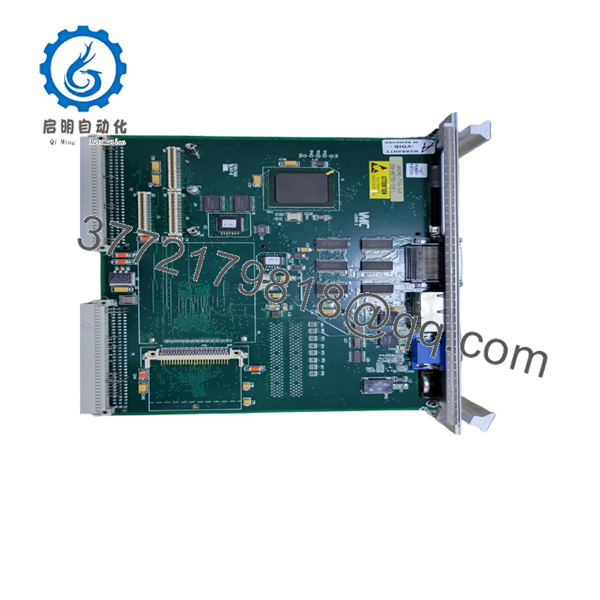
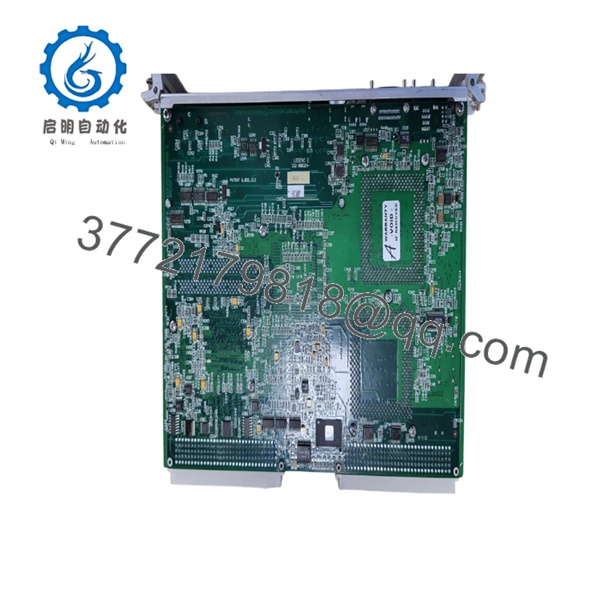
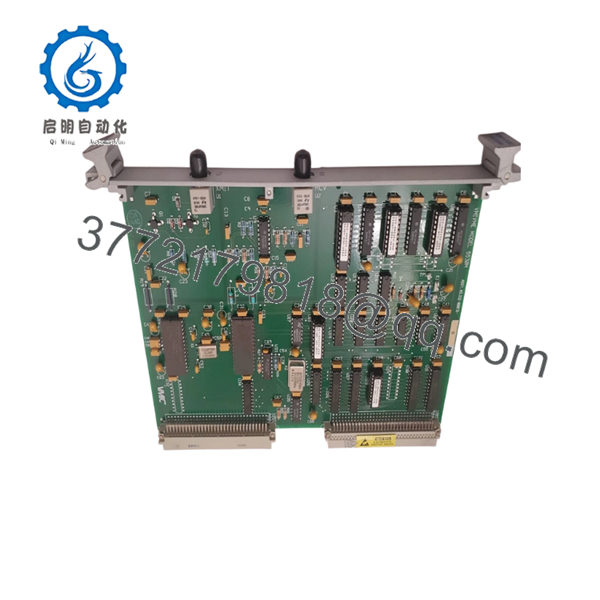
- Product Type: VMEbus Profibus interface card
- Bus Interface: VME32 / VME64 class support
- Fieldbus: Profibus-DP
- Operation Mode: Master or slave, depending on configuration and revision
- Data Exchange: Cyclic process data mapping to VME address space
- Power: VME backplane supplied, typically +5 VDC
- Environment: Industrial temperature range, typically 0 to 60 C
- Diagnostics: Onboard status LEDs for bus and comms state
- Use Case: Legacy VME controller integration with Profibus devices
- Compatibility Note: Verify exact revision, GSD file, and VME base address before installationxydplcmro+2
Product Introduction
SST-PFB3-VME is a VMEbus communication module used to link legacy VME controllers to Profibus-DP networks. It is a practical fit for older industrial systems that need deterministic fieldbus communication without replacing the host platform.
It is commonly used in retrofit and spare-part work where the VME host must keep talking to drives, remote I/O, and other Profibus devices. The real value is keeping the installed control architecture alive, but the exact revision, GSD file, and address settings must match the site configuration.
Troubleshooting Quick Reference
| Symptom | Possible Cause | Relevance to this Part | Quick Check Method | Recommendation |
|---|---|---|---|---|
| No comms on power-up | Wrong VME base address or bad backplane seating | High | Check board LEDs and verify VME slot seating | Reseat the card and confirm address settings first |
| Profibus master will not recognize node | Incorrect GSD file or wrong module revision | High | Compare the loaded GSD file to the installed hardware revision | Match the exact revision before swapping hardware |
| Bus error LED stays on | Cable fault, termination issue, or bad slave address | High | Check Profibus cabling, termination resistors, and node address | Inspect field wiring before replacing the module |
| VME system hangs at boot | Address conflict or interrupt vector collision | High | Review VME base address and interrupt settings | Reconfigure the jumpers or software map |
| Intermittent data loss | Loose cable shield or noisy field wiring | Medium | Inspect shield grounding and connector torque | Re-terminate and secure the cable before declaring failure |
| One channel works, another does not | Dual-channel variant mismatch or configuration error | Medium | Verify whether the unit is single- or dual-channel | Confirm the exact part variant and firmware revision |
If you are stuck, send photos of the PCB label, LED status, VME jumpers, and Profibus wiring to technical support.
Frequently Asked Questions
Q: Is SST-PFB3-VME a GE part?
Not exactly. It is an SST / Woodhead VME Profibus module that often shows up in GE-related systems because it was used in mixed industrial platforms.
Q: Can I use this as a direct replacement for SST-PFB3-VME-2-E?
Not automatically. The single-channel and dual-channel variants are not interchangeable, so confirm the exact suffix and PCB marking before ordering.
Q: Does it work as a Profibus master or slave?
Depending on the revision and configuration, it can be set up for master or slave operation. Verify the specific hardware version before installation.
Q: Is this hot-swappable?
No. Power down the VME rack first. Live insertion can corrupt the bus or damage the card.
Q: What usually causes replacement failures on this module?
Wrong GSD file, wrong VME address, bad Profibus termination, and connector mistakes. I have seen more “dead card” complaints caused by configuration errors than actual hardware failure.
Q: Why is the listed condition usually surplus?
Because this is older VME hardware and most supply now comes from secondary-market inventory. That is normal for legacy automation boards.
Q: What should I verify before installing it?
Check the exact revision, VME base address, interrupt vector, Profibus baud rate, and node addressing. One mismatch can take a healthy card offline fast.



