
 WhatsApp: +86 16626708626
 Email:
  Phone: +86 16626708626
Description
Key Technical Specifications
| Parameter | Value / Specification |
| Manufacturer | Weidmüller |
| Model Designation | IE-SR-2GT-LAN-FN |
| Order Number (P/N) | 1489940000 |
| Ethernet Interfaces | 2 x Gigabit Ethernet (10/100/1000Base-T) + Fast Ethernet Ports |
| Security Features | Stateful Inspection Firewall, IP/MAC Filtering, NAT (1:1 NAT, Port Forwarding) |
| VPN Support | OpenVPN, IPsec Encryption for Secure Remote Access |
| Remote Access Platform | Weidmüller u-link Remote Access Service Integration |
| Digital Inputs/Outputs | 1 x Digital Input (Trigger), 1 x Digital Output (Alarm State) |
| Operating Voltage | 24 V DC (12 to 32 V DC operational range, redundant input) |
| Operating Temperature | −20 °C to +70 °C (−4 °F to 158 °F) |
| Enclosure Rating | IP20 Ruggedized Metal Housing (35 mm DIN-Rail Mount) |
| Configuration | Web-Based Management (HTTP/HTTPS), SNMP v1/v2c/v3, Command Line |
Product Introduction & Supply Chain Strategy
The Weidmüller IE-SR-2GT-LAN-FN (Order No. 1489940000) is a high-performance industrial security router and firewall designed to isolate OT automation cells, enforce network perimeter defense, and establish secure remote maintenance tunnels via Weidmüller’s u-link ecosystem. Equipped with Gigabit Ethernet interfaces, 1:1 NAT mapping, and stateful packet inspection, it protects legacy PLCs, SCADA hosts, and smart sensors from unauthorized external access and broadcast traffic propagation.
Maintaining a New Surplus Weidmüller IE-SR-2GT-LAN-FN router in your local spare parts vault is an essential strategy for OT cyber resilience and operational continuity. A sudden failure in an edge security gateway can isolate entire production cells or expose critical automation controllers to dangerous network loops and unauthorized intrusions. Sourcing genuine New Surplus guarantees pristine network physical interfaces, uncompromised internal flash memory, and unaged power isolation stages—preventing packet dropouts, configuration loss, and thermal reboot cycles typical of heavily used or refurbished security appliances.
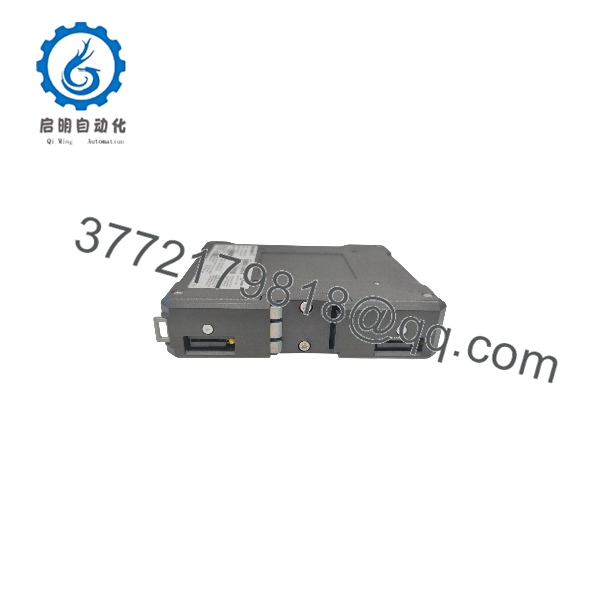
IE-SR-2GT-LAN
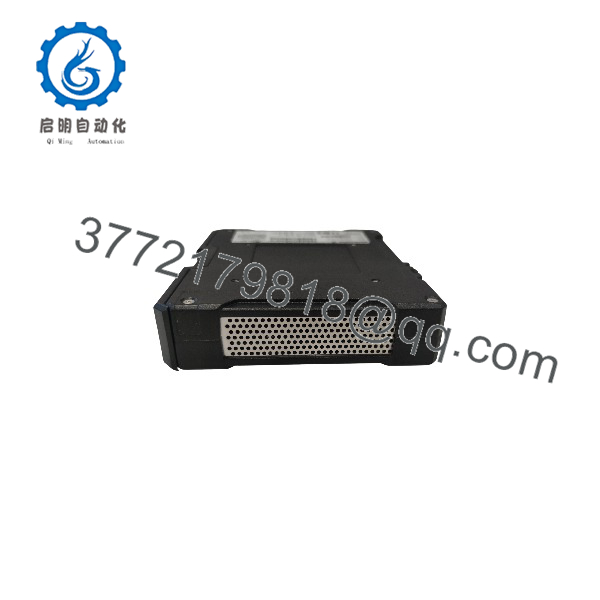
IE-SR-2GT-LAN
Installation & Configuration Guide
Stage 1: Pre-Installation (Prep & Safety)
- De-energize the main 24 V DC power feed supplying the control cabinet and adhere to standard Lock-Out/Tag-Out (LOTO) procedures.
- Ensure you wear an anti-static wrist strap grounded to the panel enclosure frame before handling the router.
- Record the default IP address, factory subnet settings, and MAC addresses printed on the side product label.
Stage 2: Removal
- Unplug the 24 V DC power terminal block from the top panel of the active router.
- Disconnect all Ethernet network patch cables (WAN, LAN, DMZ) and any digital I/O signal wiring, labeling cable destinations clearly.
- Release the DIN-rail locking lever using a small flat-head screwdriver, tilt the router forward, and unhook it from the 35 mm DIN rail. Place the unit into static-shielding packaging.
Stage 3: Installation (Clone & Seat)
- Unpack the new Weidmüller IE-SR-2GT-LAN-FN from its original factory static-shielded box.
- Hook the upper DIN-rail latch onto the 35 mm rail and press the lower section against the rail until the mounting spring locks firmly.
- Connect all field RJ45 Ethernet network cables to their designated WAN/LAN ports according to your network topology design.
- Re-insert the pre-wired 24 V DC power supply terminal block.
Stage 4: Power-On & Testing
- Re-apply 24 V DC operating power. Verify that the PWR (Power) and SYS (System Status) LEDs illuminate solid green.
- Access the web-based management interface via browser (HTTPS) using the default credentials, then import your saved configuration file (.cfg) or execute the setup wizard.
- Test firewall rule enforcement, NAT routing, and VPN tunnel connectivity to ensure seamless network isolation and remote diagnostic access.
Firmware/Software Versions & Upgrade Notes
- u-link Service Integration: Ensure the router’s firmware is updated to the latest Weidmüller release to maintain seamless cryptographic compatibility with the u-link web portal and VPN servers.
- Config Backup Strategy: The router supports configuration backup and deployment via web interface or external memory storage, allowing rapid configuration restoration when replacing physical hardware.
- 1:1 NAT Mapping: Utilize the router’s 1:1 NAT capability when integrating standardized, duplicate machine IP subnets into a unified plant-wide enterprise network without changing internal PLC IP addresses.
- Hot-Swapping Warning: Always isolate the 24 V DC power feed before modifying power connections or replacing hardware to avoid voltage transients across sensitive internal network logic components.
Frequently Asked Questions (FAQ)
Q: How can I verify that this Weidmüller IE-SR-2GT-LAN-FN router is 100% Brand New Surplus?
A: Every unit we supply is guaranteed 100% Brand New Surplus. It arrives in clean, original Weidmüller factory packaging, complete with untouched terminal blocks, pristine RJ45 port contacts, unblemished IP20 housing, and intact serial labels. It has never seen field deployment or panel installation.
Q: What is the main function of the u-link capability on this router?
A: Weidmüller’s u-link system provides a secure, web-managed VPN remote access platform. It allows engineers to establish encrypted OpenVPN tunnels directly to machine-level PLCs and HMIs behind the firewall without complex IT firewall reconfigurations.
Q: Can this router perform 1:1 NAT for identical OEM machine networks?
A: Yes. The IE-SR-2GT-LAN-FN supports 1:1 NAT (Network Address Translation), enabling machine builders to keep identical internal IP subnets on every machine build while mapping each to a unique IP address on the plant network.
Q: What operating voltage does this unit require?
A: The router operates on a nominal 24 V DC power feed (accepting a broad operational range from 12 to 32 V DC) and features redundant power terminals to prevent dropouts if one power source fails.
Q: Is this security router rated for extended industrial temperature ranges?
A: Yes. As an industrial-grade security appliance, it is rated for reliable continuous operation in environments ranging from −20 °C to +70 °C (−4 °F to 158 °F).
Q: What warranty coverage comes with this router?
A: We back this Weidmüller IE-SR-2GT-LAN-FN (1489940000) security router with a full 1-Year Warranty. Every module undergoes visual, mechanical, and power-on verification prior to shipment.



