WhatsApp: +86 16626708626
 Email:
 Phone: +86 16626708626
Description
Key Technical Specifications
| Parameter | Specification |
| Manufacturer | Yaskawa Electric Corporation |
| Module Type | Motion Control Interface Card |
| Operating Logic Voltage | 24 V DC (\pm 10\%) |
| Signal Processing | High-speed digital I/O handling and signal isolation |
| Isolation Type | Optocoupler galvanic isolation |
| System Bus Interface | Yaskawa rack-mount edge connector / parallel backplane bus |
| Operating Temperature | 0 to +55 °C |
| Storage Temperature | −20 to +70 °C |
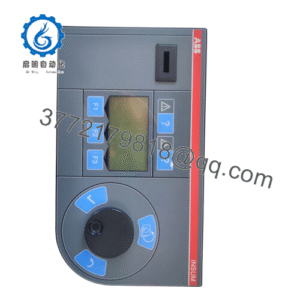
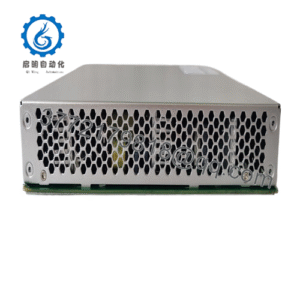
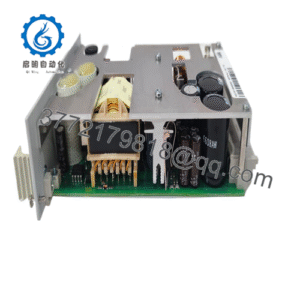
| Form Factor | PCB module with front-panel diagnostic interface |
| Status Indicators | Front-panel LED array for power, RUN, and bus comms |
Product Introduction & Supply Chain Strategy
This product is a Brand New Surplus unit. It is not used, not pulled from a decommissioned plant, and not refurbished. All modules undergo rigorous quality verification to ensure OEM-level reliability.
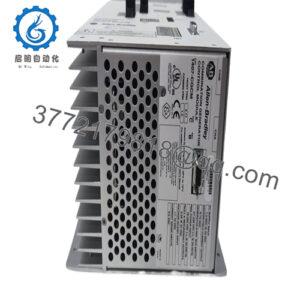
The Yaskawa JAMSC-IF62AV is a specialized interface module designed to manage real-time I/O signal routing and communication within Yaskawa motion control architectures and industrial drive racks. It provides high-speed optic-isolated signal conditioning between external field sensors, feedback devices, and the central processing controller.
From a Total Cost of Ownership (TCO) perspective, procuring a New Surplus JAMSC-IF62AV is a vital insurance policy for production lines running legacy Yaskawa hardware. When an interface board fails, the entire machine rack loses communication, causing immediate facility downtime. Refurbished boards from auction sites often suffer from dried-out electrolytic capacitors, corroded traces, and weak optocouplers that cause ghost faults during temperature shifts. Installing a genuine New Surplus unit delivers maximum service life, prevents lead time variability, and guarantees seamless drop-in operation without line redesigns.
Installation & Configuration Guide
Stage 1: Pre-Installation (Prep & Safety)
- Perform Lock-Out/Tag-Out (LOTO) procedures on the control cabinet incoming mains and logic supply feeders.
- Wait 10 minutes for residual energy in the system’s power supplies to dissipate. Confirm zero voltage using a calibrated multimeter.
- Strap on an ESD-grounded wrist band connected to the panel’s earth ground terminal.
- Take detailed photos of all hardware jumper block configurations, DIP switch node addresses, and field wiring connections on the existing card.
Stage 2: Removal
- Loosen the top and bottom retaining screws securing the JAMSC-IF62AV card to the rack frame.
- Gently detach all front-panel terminal blocks, ribbon cables, or interface connectors.
- Slide the card horizontally along its chassis card rails, pulling straight out to prevent bending backplane bus connector pins.
Stage 3: Installation (Clone & Seat)
- Unpack the New Surplus JAMSC-IF62AV inside an ESD-protected zone.
- Match all physical jumper configurations and DIP switches on the new board precisely to the settings recorded from the old module.
- Align the module edge with the rack slot guides and slide it in until the edge connector seats fully into the backplane. Tighten the panel screws.
Stage 4: Power-On & Testing
- Reconnect all front-panel I/O wiring harnesses and signal connectors, ensuring all latching clips engage.
- Restore 24 V DC logic power. Confirm that the power LED illuminates solid and no system fault LEDs light up.
- Energize the machine control system and execute an I/O self-test to verify signal throughput and communication handshake with the host CPU.
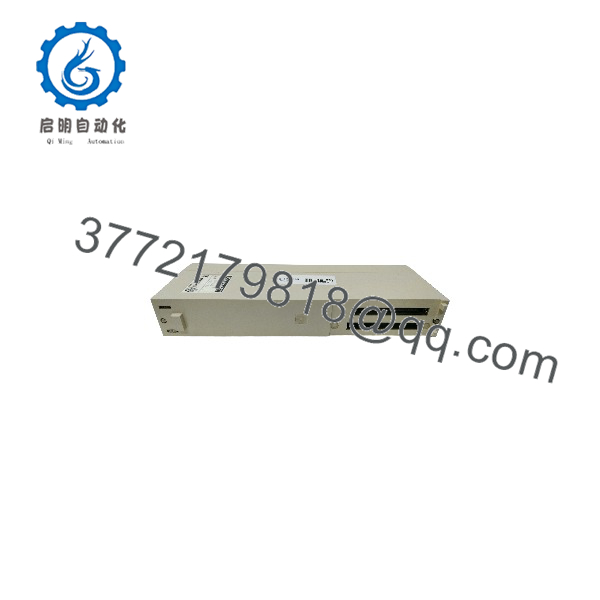
JAMSC-IF62AV
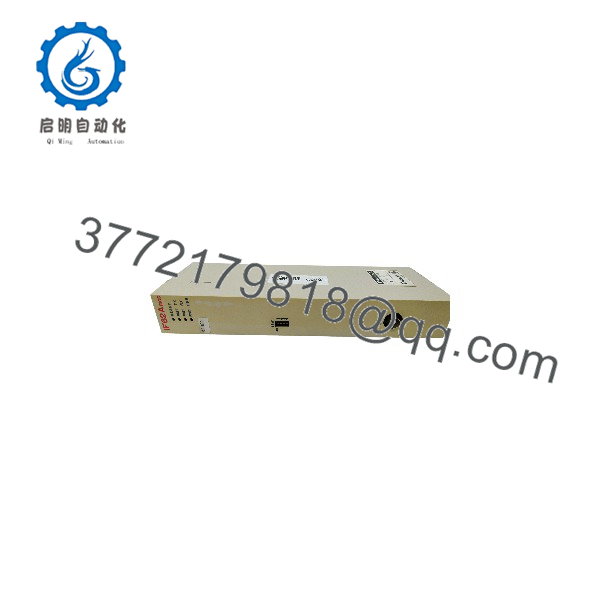
JAMSC-IF62AV
Firmware/Software Versions & Upgrade Notes
- Recommended System Revision: Ensure the host controller firmware build supports the specific hardware revision code printed on the JAMSC-IF62AV board faceplate.
- System Compatibility: The JAMSC-IF62AV relies on hardware-level signal timing matched to specific rack backplane speeds. Mixing hardware revision tiers on the same bus can cause bus synchronization timeouts or dropped I/O signals.
- Firmware Notes: Interface cards of this series generally store parameter profiles in non-volatile system RAM on the main rack controller. Avoid flashing or resetting system firmware during hardware replacement, as unaligned parameters can erase customized I/O mapping tables.
Frequently Asked Questions (FAQ)
Q: Why is this New Surplus priced higher than refurbished boards, but lower than factory OEM special orders?
A: Our pricing reflects the market value of obtaining 100% genuine, unused hardware that is no longer in standard production. Refurbished parts are harvested from old equipment and often contain degraded optocouplers or micro-fractured solder joints. While refurbished boards have a lower purchase price, a single failure can cost tens of thousands in downtime. Our New Surplus stock delivers full OEM lifespan at a fraction of factory lead-time costs.
Q: Is this Yaskawa card guaranteed to be unused?
A: Yes. This module is 100% Brand New Surplus. It has never been racked in a plant, never energized in a production environment, and carries zero industrial wear. It comes from surplus inventory, system integrator reserve stocks, and canceled projects.
Q: Can I plug or unplug the module while the control rack is powered?
A: No. Hot-swapping the while the backplane is energized is strictly prohibited. Doing so risks electrical arc damage across the backplane edge connectors, blowing internal logic fuses, and damaging sensitive ICs on both the interface card and the rack backplane.
Q: Does replacing this card require special programming tools?
A: No programming software is required for the card itself. Provided you mirror the hardware jumper blocks and DIP switches from the original unit, the host controller will automatically communicate with the upon power-up and route I/O signals according to your existing system logic.
Q: What warranty is provided with this New Surplus ?
A: We provide a comprehensive 1-Year functional warranty on this New Surplus module. Every card undergoes rigorous incoming physical and electrical inspections—including backplane pin checks and static testing—to guarantee immediate plug-and-play operation.