
 WhatsApp: +86 16626708626
 Email:
  Phone: +86 16626708626
Description
3. Key Technical Specifications
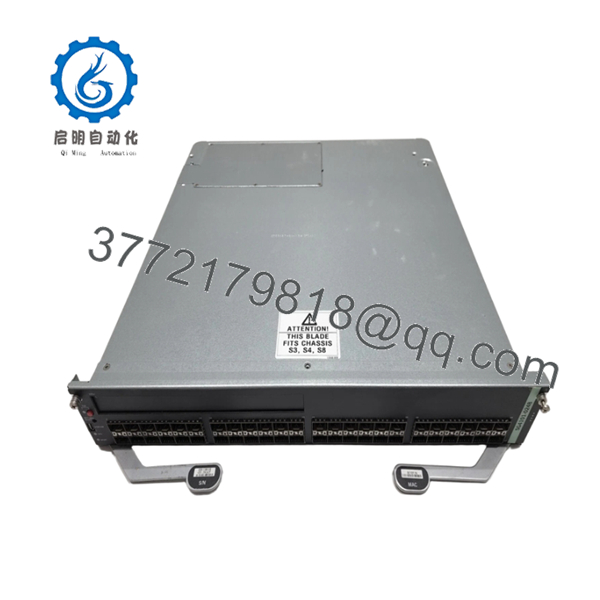
- Ports: 48 x 1000Base-X SFP
- Expansion: 1 x Type1 option module slot
- Compatible Chassis: S3, S4, S6, S8
- I/O Throughput: 30 Mpps
- Switching Capacity: 40 Gbps
- Architecture: Distributed flow-based CoreFlow2
- Forwarding: Wire-speed Layer 2/3/4
- Power Consumption: Typical for S130 class modules (verify with chassis PSU)
- Operating Temperature: 0°C to +50°C (standard for series)
- Dimensions: Standard S-Series I/O module size (approx. 17.38 in width for chassis fit)
- Weight: Approx. 4-6 lbs (module only)
4. Product Introduction
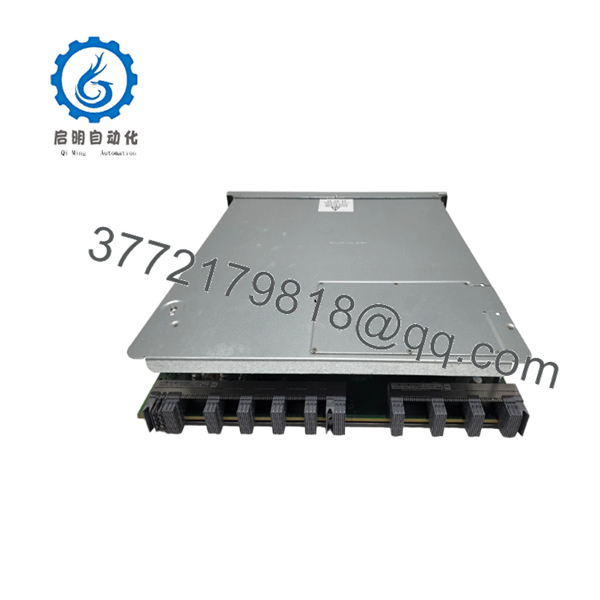
The Enterasys SG4101-0248 is an S130 Class I/O module with 48 ports of 1000Base-X SFP connectivity plus one Type1 expansion slot. It installs in S3, S4, S6, and S8 chassis for high-density fiber deployments in campus, wiring closet, distribution, or small core networks.
This module delivers 30 Mpps throughput and 40 Gbps switching capacity per module using the distributed CoreFlow2 architecture. Engineers choose it for reliable Gigabit fiber aggregation where port density and flexible uplinks matter without overkill 10G costs on every port.

- SG4101-0248
- SG4101-0248
5. Troubleshooting Quick Reference
| Symptom | Possible Cause | Relevance to this Part | Quick Check Method | Recommendation |
|---|---|---|---|---|
| No link lights on SFP ports | No SFP installed or bad fiber | ✅ High | Verify compatible SFP inserted and link partner up | Insert known-good SFP; check fiber TX/RX and cleanliness |
| Module not recognized in chassis | Slot incompatibility or firmware mismatch | ✅ High | Check chassis logs for module detection | Confirm S3/S4/S6/S8 compatibility; match firmware versions |
| High error rates or flapping links | Dirty fiber or incompatible SFP | ✅ High | Use CLI “show interfaces” for errors; inspect connectors | Clean fiber ends; replace with Enterasys-qualified SFP |
| Module LED amber or fault | Over-temperature or power issue | ✅ Medium | Check chassis environmental status and PSU load | Verify adequate chassis cooling and power budget |
| No traffic forwarding | Policy or ACL blocking | ❌ Low | Review policy rules and port counters | Clear or adjust policies; test with basic L2 config |
| Intermittent performance | Backplane or fabric congestion | ❌ Low | Monitor chassis fabric utilization | Add fabric modules or redistribute load across chassis |
Contact technical support with chassis model, firmware version, port logs, and photos if issues persist after basic checks.
6. Frequently Asked Questions (FAQ)
Is the SG4101-0248 hot-swappable? No. Power down the chassis or use redundant configurations before swapping. Hot-swapping risks backplane issues in these older S-Series systems.
What chassis does this module work in? It fits S3, S4, S6, and S8 chassis. Confirm your specific chassis revision and fabric modules for full compatibility.
Does it support PoE? No. This is the SFP fiber version (SG4101). Use ST4106-0248 if you need copper with PoE+.
Can I use any SFP transceiver? Stick to Enterasys/Extreme qualified SFPs for best results. Third-party optics often work but may trigger warnings or limit support.
Is this new surplus or refurbished? New Original / New Surplus stock. Units come sealed from original packaging with full traceability. We test on a live S-Series chassis before shipping.
What firmware version ships on these modules? Firmware varies by manufacturing date. We document the version during testing. Specify your target firmware when ordering to avoid mismatches.
Do you provide test reports? Yes. Every unit gets power-on, port link, and basic traffic tests in a compatible chassis. Full test reports and photos available upon request.



