
 WhatsApp: +86 16626708626
 Email:
  Phone: +86 16626708626
Description
3. Key Technical Specifications
- Number of Channels: 24 discrete contact inputs
- Input Type: Isolated sink or dry contact (supports sourcing field devices)
- Isolation: Optical, 1500 V on all inputs
- Input Filter: Hardware, 4 ms
- AC Voltage Rejection: 60 V rms at 50/60 Hz with 125 V dc excitation
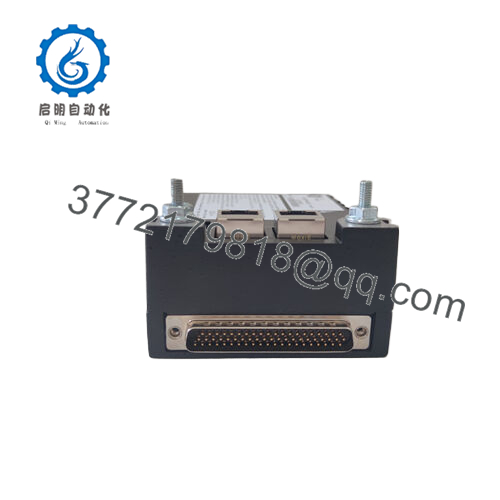
- Communication: Dual RJ45 Ethernet ports (100 Mbps full-duplex)
- Power Supply: 24 V dc (±10%)
- Operating Temperature: -40 to +70°C
- Dimensions: Approximately 15.9 cm high x 17.8 cm wide
- Weight: 0.8 kg (1.76 lb)
- Mounting: Pairs with TBCIH1/H2/H3 terminal boards for different voltage levels
- Diagnostics: Per-channel status LEDs and infrared serial port
4. Product Introduction
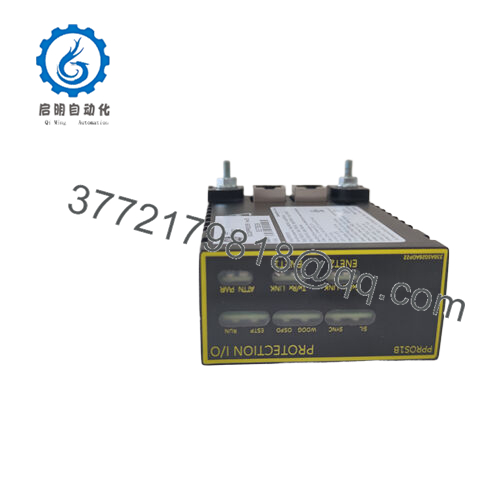
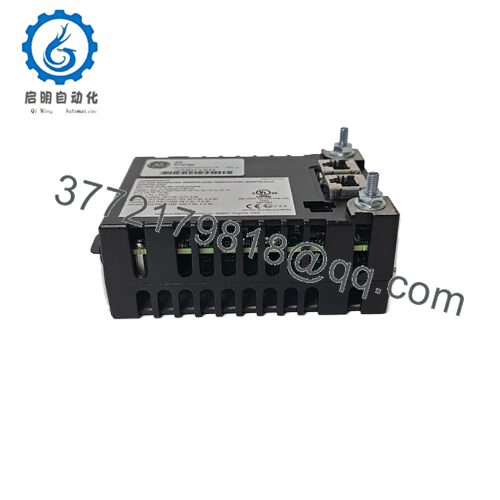
The GE IS220PDIAH1A is a discrete input I/O pack in the Mark VIe series for GE Speedtronic turbine control systems. It digitizes up to 24 contact inputs from field devices and sends the data to the controller over Ethernet. Technicians use it in gas and steam turbine applications where reliable monitoring of on/off signals is critical.
This pack includes a common processor board plus a specific acquisition board for discrete inputs. It supports simplex or TMR configurations and works with multiple terminal board types for flexible voltage handling. In my experience commissioning Mark VIe systems, these packs deliver consistent performance when properly seated and configured.

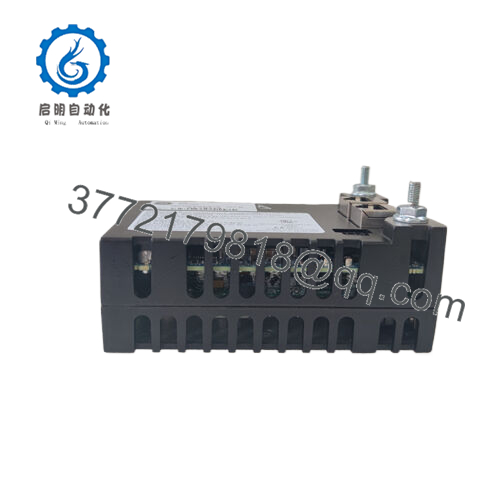
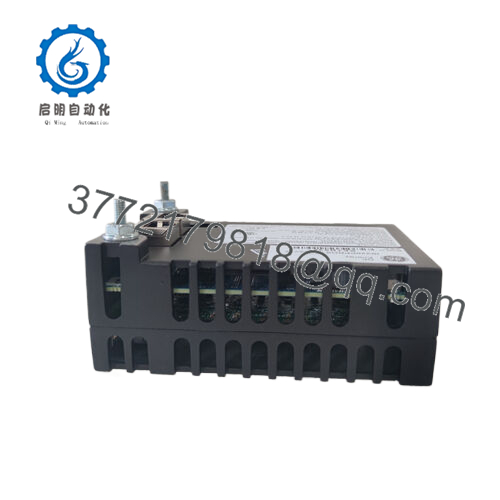
- IS220PDIAH1A
5. Installation & Configuration Guide
Stage 1: Pre-Installation Preparation (10–15 minutes) ⚠️ Safety First: Notify operations, schedule controlled downtime, lock out/tag out power to the I/O rack, and wait 5 minutes for capacitors to discharge. Tools Required: Grounded ESD wrist strap, PH1 or PH2 screwdriver, digital multimeter, wire labels, smartphone for photos. Data Backup: Export the current controller configuration, photograph all wiring on the terminal board, record Ethernet IP settings, and note any custom diagnostics.
Stage 2: Removing the Old Module (5 minutes)
- Remove the front cover or bezel if present.
- Label and disconnect field wiring from the terminal board—do not force connectors.
- Release the locking tabs on the I/O pack and pull it straight out to avoid bending backplane pins.
- Inspect the terminal board and connectors for corrosion, bent pins, or debris. ⚠️ Keep the old pack nearby as a physical reference until the new one runs without issues.
Stage 3: Installing the New Module (10 minutes)
- Put on the ESD strap and verify the replacement carries the exact IS220PDIAH1A part number.
- Configuration Clone (Critical): Match any hardware settings from the old pack. Most PDIA packs have minimal DIP switches, but confirm Ethernet port usage and terminal board compatibility.
- Align the pack with the terminal board connector and press firmly until it seats with a distinct click. Secure the locking tabs.
- Reattach field wiring using the proper torque. Self-Checklist: [ ] Model matches, [ ] Pack fully seated, [ ] Wiring correct and tight, [ ] Tabs locked.
Stage 4: Power-On & Testing (10–20 minutes) Pre-Power Check: Use a multimeter to verify no shorts on the 24 V dc rail. Power-On Steps:
- Energize the I/O rack only—leave field devices off initially.
- Watch the LEDs: steady green indicates normal operation; red or flashing signals a fault.
- Connect the Toolbox or controlST software, confirm the pack appears on the IONet, and verify firmware version.
- Download the saved configuration if needed.
- Perform a dry-run I/O test with simulated or actual field signals.
⚠️ Troubleshooting Note: A solid red ERR LED often points to a firmware or network mismatch. No communication usually traces to Ethernet cable, switch port, or IP settings. Power down before any further swaps.
6. Frequently Asked Questions (FAQ)
Can this module be hot-swapped under power? No. Kill power to the I/O rack first. Hot-swapping risks damaging the backplane or corrupting data. In 15+ years of field work I have never seen a safe hot-swap on these packs.
Is the IS220PDIAH1A obsolete, and is the unit genuinely new? The model remains available as new surplus or new original stock from authorized channels. Units sold here come from verified OEM sources and undergo full functional testing before shipment. We provide test reports and photos on request.
What is the direct replacement if this exact pack is out of stock? The IS220PDIAH1A is the current standard. In rare cases where revision-specific compatibility matters, confirm with the terminal board type (TBCIHx). Later revisions usually maintain backward compatibility, but always match firmware to the controller.
Will I lose my programming logic when I replace the I/O pack? No. The logic resides in the controller, not the I/O pack. The new pack simply resumes passing I/O data once it joins the IONet and the configuration downloads.
Why is the price lower than current GE factory list price? We source new surplus inventory directly from decommissioned or excess OEM stock. These units never entered service, receive the same rigorous inbound and functional testing as new production, and carry a 1-year warranty. This avoids full OEM markup while delivering identical performance.
How do I confirm firmware compatibility before installation? Read the firmware version from the old pack using Toolbox software. Request the same or approved compatible version when ordering. A mismatch can cause the controller to reject the pack or throw communication timeouts.
What terminal boards does this pack support? It pairs with TBCIH1, TBCIH2, or TBCIH3 to handle different contact voltage levels. Verify your existing terminal board type before ordering.



