
 WhatsApp: +86 16626708626
 Email:
  Phone: +86 16626708626
Description
Key Technical Specifications
- Manufacturer: Schenck Process
- Model Number: FSE-L003
- Alternate Identification: FSE L003 / FSEL003
- Material Number: F202174.02
- Product Family: Multicont / DISOCONT legacy weighing and feeder-control system
- Product Type: System unit, CPU cassette, or PLC control module assembly
- Core CPU Card: FSMV004; inventory references also identify the included card as SMV004
- Primary Function: Executes application logic and system functions for compatible Schenck weighing, dosing, feeding, or material-handling equipment
- Installation Format: Cassette/module assembly; verify rack, slot, backplane, and connector arrangement against the removed unit
- Related Multicont Hardware: FEA L001 I/O interface, FNT 0050 power supply, FME 0066 measurement-data module, and V044393.B03 DISOCONT memory card may appear in related system assemblies
- Memory/Program Retention: Confirm whether the application is stored in the installed memory card, CPU module, system unit, or engineering backup before removal
- Communications and I/O: Verify interface options, addresses, bus configuration, and field wiring from the installed system documentation
- Lifecycle Status: Obsolete legacy hardware; availability normally depends on new-surplus, refurbished, or tested used inventory
Stock references identify FSE-L003 as Schenck material number F202174.02 and describe it as a Schenck PLC/system unit supplied with an FSMV004 or SMV004 CPU card. Schenck parts lists place FSE L003 alongside legacy DISOCONT and Multicont components, including the FEA L001 I/O interface, FNT 0050 power supply, and FME 0066 measurement-data hardware.
Product Introduction
The Schenck FSE-L003 is a legacy Multicont/DISOCONT system unit used in Schenck Process weighing, feeder, dosing, and bulk-material handling controls. This cassette-style CPU assembly provides the processing function for the installed control system and is commonly identified by material number F202174.02 with an FSMV004 or SMV004 CPU card.
The FSE-L003 is purchased as an exact maintenance spare for an existing Schenck control cabinet. Do not treat it as a generic PLC replacement. Correct substitution requires the same material number, CPU card, memory arrangement, rack interface, program backup, I/O mapping, and connected Multicont/DISOCONT hardware.
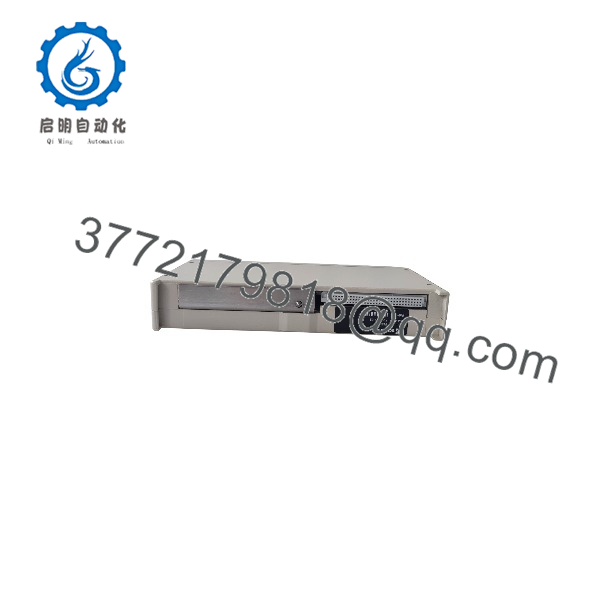
FSE-L003
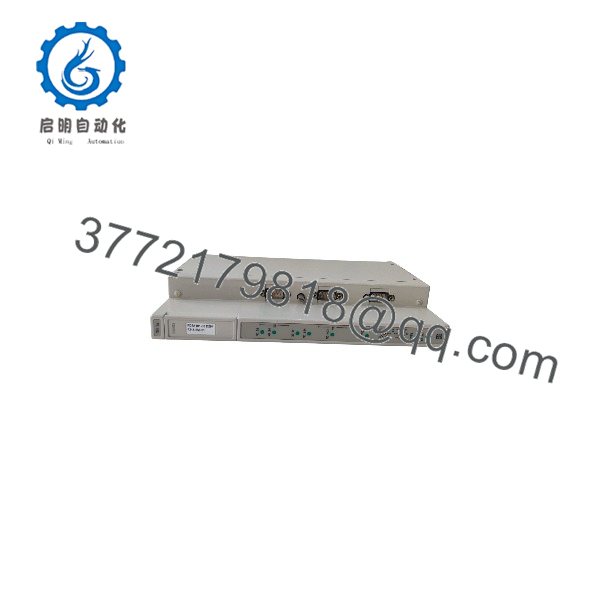
FSE-L003
Troubleshooting Quick Reference
| Symptom | Possible Cause | Relevance to This Part | Quick Check Method | Recommendation |
|---|---|---|---|---|
| System unit shows no LEDs or display activity | Missing AC/DC supply, failed FNT 0050 power supply, blown fuse, poor backplane connection, failed FSE- | ✅ Medium | Verify rack supply at the FNT 0050 and the FSE- power contacts using the approved schematic; inspect fuses, terminals, and module seating | Confirm supply rails and backplane continuity before replacing |
| CPU does not enter RUN state | Corrupt program, missing memory card, incompatible CPU card, internal CPU fault, configuration error | ✅ High | Record LED states and fault codes; inspect the V044393.B03 or installed memory card if present; compare module/card labels with the old configuration | Back up accessible program data before replacement; verify memory hardware and CPU identity |
| Weight or feeder values are missing | Failed FME 0066 measurement module, load-cell wiring fault, excitation loss, field connector issue, application fault | ❌ Usually low | Check measurement-module LEDs; measure load-cell excitation at the field terminal; inspect cable shielding and terminals; compare with a known reference signal | Diagnose sensor, cable, and measurement hardware before replacing the CPU cassette |
| Feeder will not start despite valid setpoint | External interlock, VFD fault, motor protection trip, I/O interface fault, application logic state | ❌ Usually low | Check motor drive/fault status, safety loop, permissives, and FEA L001 I/O indications; monitor command output in diagnostics if available | Prove field devices and I/O operation before condemn |
| System intermittently resets | Weak power supply, loose module, poor earth, degraded memory, high cabinet temperature, CPU fault | ✅ Medium | Trend control supply during motor starts; reseat the cassette with power isolated; inspect grounding and cooling; review alarm history | Correct power, grounding, and thermal issues before replacing the CPU module |
| Replacement module powers up but machine will not run | Missing program, different memory card, wrong CPU card revision, incorrect I/O configuration, address mismatch | ✅ High | Compare F202174.02, FSMV004/SMV004 labels, memory-card type, rack slot, configuration settings, and application backup | Treat the swap as a controlled restoration. Do not assume plug-and-play behavior |
| Configuration or program cannot be loaded | Incorrect service interface, unsupported engineering software, damaged cable, wrong project revision, access issue | ❌ Low to medium | Verify programming cable, PC interface, project release, system address, and software version; test the service connection on the original unit if possible | Resolve the engineering connection before replacing hardware |
| System starts but readings drift or fluctuate | Load-cell issue, grounding/shielding fault, mechanical binding, unstable power, parameter loss | ❌ Usually low | Check load-cell cable shield termination, excitation, mechanical zero, and reference-weight response; inspect supply ripple under load | Investigate field measurement conditions before replac |
| Visible corrosion, damaged connector, or heat discoloration | Condensation, contaminated cabinet, overvoltage, improper installation, failed module | ✅ High | Isolate power; inspect module edge contacts, card seating, rack connector, and nearby power components | Replace damaged parts and correct the cabinet/environmental cause before energizing |
Field warning: In a Multicont or DISOCONT system, the CPU is often blamed when the real fault is an FNT 0050 supply problem, FEA L001 I/O issue, FME 0066 measurement fault, lost memory card, or load-cell wiring defect. Check the complete chain before ordering.
❗ Photograph everything before removal. Record label, F202174.02 material number, CPU-card marking, memory-card location, rack slot, cable positions, DIP switches, LED status, and related module labels. I have seen legacy feeder controls remain down for days because a technician swapped the cassette without preserving the only available configuration memory.
If the diagnosis is still unclear, contact technical support with clear photos of the front and rear assembly, full label information, CPU and memory-card markings, rack inventory, LED/fault details, supply-voltage readings, load-cell diagnostics, and any available Multicont/DISOCONT project backup.
Frequently Asked Questions (FAQ)
What is the Sche?
is a Schenck legacy system unit or CPU cassette used in Multicont/DISOCONT weighing and material-handling control systems. Available inventory references identify it as material number F202174.02 and associate it with an FSMV004 or SMV004 CPU card.
a complete PLC or only a CPU card?
Treat it as a cassette/system-unit assembly that includes or works with a CPU card rather than assuming it is only a bare PCB. One listing describes FSE /FSMV004 as a Schenck PLC with the PLC card included, while another identifies .02 as a cassette. Confirm exactly what is included in the offered item: housing, CPU card, memory card, connectors, and accessories.
Is still manufactured?
It should be treated as obsolete legacy hardware. Available stock is typically new-surplus, refurbished, repair-exchange, or tested used inventory. Confirm actual condition, quantity, lead time, warranty, full label details, and test status before you schedule an outage.
Can I repl with a different Schenck Multicont controller?
Not automatically. Match the exact material number, CPU card, memory architecture, rack and backplane format, connected I/O hardware, measurement module, program version, and feeder/weighing application. A different Multicont or DISOCONT component may share a cabinet but use a different bus, software, power requirement, or I/O configuration.
Will the feeder program and calibration remain after the swap?
Do not assume that it will. Program logic, feeder calibration, scale parameters, material settings, and retained totals may reside on a memory card, in the CPU assembly, in a separate module, or in the engineering backup. Before removal, save any accessible project data and document all setpoints, calibration values, material recipes, controller addresses, and switch positions. If the current system still communicates, back it up now—not after the CPU fails.
Can I hot-swap ?
No. Shut down the controlled process, place the feeder or dosing system in a safe condition, isolate control power under the site’s lockout/tagout procedure, and verify voltage is absent before removing the cassette. Hot-swapping legacy CPU hardware can damage backplane contacts, corrupt memory, interrupt dosing control, and create an uncontrolled feeder or conveyor condition.
Why does a replacem boot but not control the feeder?
The most likely reason is missing or incompatible configuration, not immediate hardware failure. Verify the memory card, CPU-card type, program version, I/O assignment, FEA L001 interface condition, FME 0066 measurement path, drive interlocks, and system addressing. Restore a verified backup and compare configuration details against the removed assembly before changing more hardware.
Why is new-surp stock less expensive than an OEM modernization project?
New-surplus stock keeps an existing legacy system running without engineering a full controls retrofit. It may cost less upfront because it comes from stored inventory rather than a new supported platform. However, it does not remove obsolescence risk. For a critical feeder or weighing line, consider purchasing a tested spare, preserving the engineering backup, and planning a documented modernization path while the current system is still operational.



