WhatsApp: +86 16626708626
 Email:
 Phone: +86 16626708626
Description
Key Technical Specifications
| Parameter | Value |
| Bus Architecture | Standard PCI Bus (Plug and Play compatible) |
| Protocol Support | Profibus DP, FDL S/R, S7/MPI (Compatible with Simatic S5 / S7-300 / S7-400) |
| Transmission Speed | 9.6 Kbps up to 12 Mbps (auto-baud detection) |
| On-Board Memory | Embedded Database (32 Kwords + 32 Kbits) |
| Physical Connector | D-Sub 9-pin female connector (EN 50170) with optical insulation |
| Auxiliary Inputs/Outputs | Opto-coupled discrete input + floating WatchDog relay output |
| Power Consumption | 6 W max (1.2 A) |
| Operating Temperature | 0 to +70 °C |
| Dimensions (L x W) | 145 mm x 106 mm (Standard short card format) |
| Weight | ~0.25 kg |
Product Introduction & Supply Chain Strategy
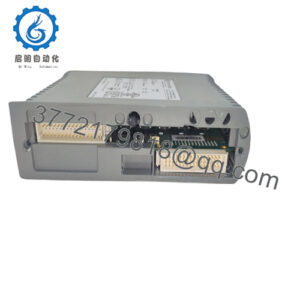
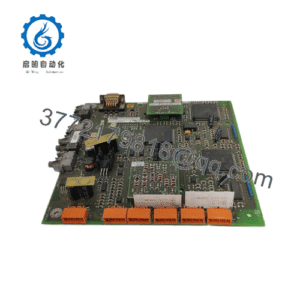
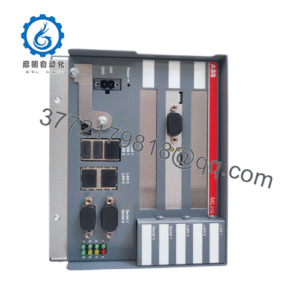
The Applicom / Molex PCI1500S7 is an advanced PCI communication interface card designed to link PC-based SCADA, HMI, and custom industrial software directly to Siemens SIMATIC S7 and Profibus DP field networks. Featuring an intelligent on-board processor, it offloads protocol management from the host computer to ensure deterministic, high-speed data exchanges across complex industrial automation architectures.
Securing this obsolete network interface card as a certified New Surplus asset protects aging PC-based control stations from catastrophic hardware failure. Sourcing factory-fresh, uninstalled hardware eliminates the latent reliability risks of second-hand or repaired interface boards, preserving Total Cost of Ownership (TCO) and avoiding unplanned production outages.
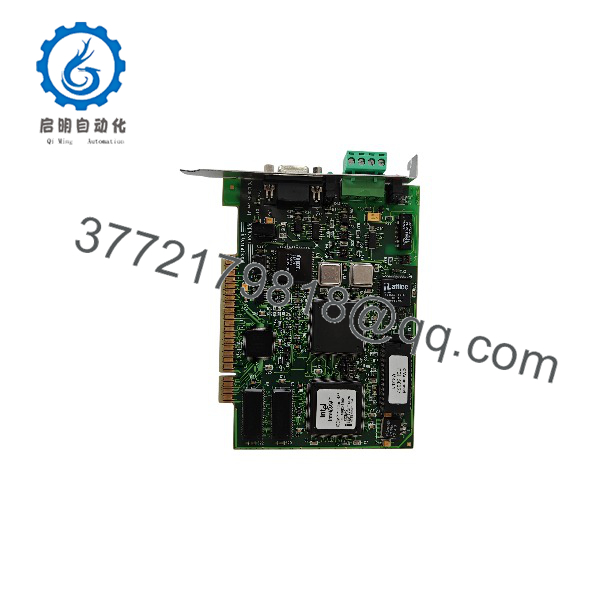
PCI1500S7
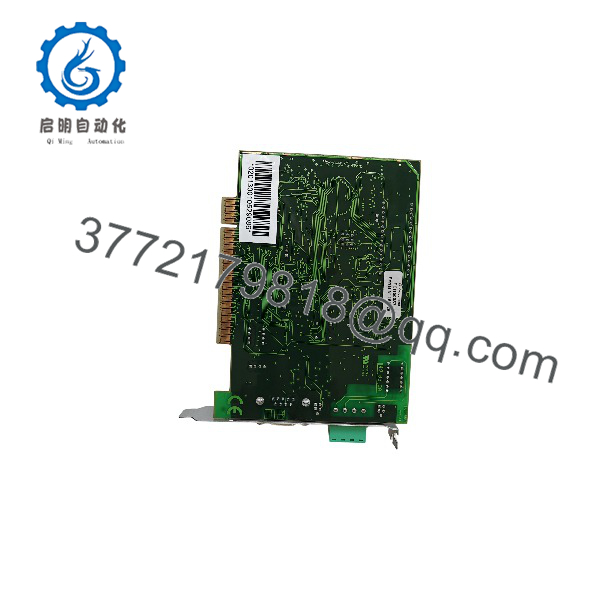
PCI1500S7
Installation & Configuration Guide
1.Pre-Installation (Prep & Safety):Prerequisite.
Isolate power to the industrial host PC and execute formal lock-out/tag-out (LOTO) protocols. Ground yourself using an ESD-safe wrist strap before handling electronic expansion boards. Back up existing driver configurations and network mapping files.
Verification: Confirm that the host PC is fully powered down and unplugged from the main AC supply before opening the chassis.
2.Removal:Mechanical Extraction.
Disconnect the Profibus DB9 network cable from the back panel. Remove the PC chassis cover, unfasten the card retaining screw, and pull the legacy PCI1500S7 board straight out of its PCI slot.
Verification: Inspect the motherboard PCI slot connector pins for dust buildup, oxidation, or mechanical obstruction.
3.Installation (Clone & Seat):Hardware Setup.
Verify that any onboard hardware jumpers match your system layout specifications. Align the new Molex PCI1500S7 card squarely with the open PCI slot and push down firmly until fully seated. Secure the mounting bracket screw.
Verification: Visually check that the card edge connector is flush and fully engaged across the entire length of the PCI slot.
4.Power-On & Testing:Commissioning.
Restore power to the industrial PC and boot into the operating system. Install or verify the Applicom driver stack to ensure the card initializes without resource or memory address conflicts.
Verification: Check that the onboard diagnostic LEDs indicate active bus power and healthy token-passing communication on the Profibus network.
Firmware/Software Versions & Upgrade Notes
- Driver Baseline: Ensure your operating system environment utilizes the compatible Applicom/Molex driver package designed for the PCI1500 platform series.
- Compatibility Warnings: Do not attempt to flash legacy communication cards with unauthorized firmware files, as mismatched microcode versions will break master/slave synchronization on the Profibus loop.
- Configuration Backup: Export and save network node definitions and database configuration files from the software management utility prior to executing hardware swaps.
Frequently Asked Questions (FAQ)
- Why is this PCI1500S7 card classified as New Surplus rather than standard factory direct?
This unit is an authentic, original OEM-manufactured communication card procured from verified surplus channels after system inventory adjustments. It has never been installed in an active PC chassis or subjected to industrial operational wear.
- How can I be certain this interface card is not refurbished or repaired?
We enforce a strict zero-tolerance policy against second-hand, repaired, or rebuilt electronics. Each card arrives in original anti-static packaging featuring pristine gold-plated bus fingers, unblemished solder joints, and zero component replacement history.
- What are the hidden risks of installing a refurbished industrial PC communication card?
Refurbished cards frequently feature heat-stressed communication transceivers and aged passive components. These hidden defects lead to intermittent bus timeouts, frame drops, and unexpected SCADA communication loss during critical runs.
- Does the PCI1500S7 support multiple protocols concurrently?
Yes, the card’s on-board processor allows it to handle multiple communication protocols simultaneously while interfacing with SIMATIC S5, S7-300, and S7-400 systems.
- What warranty terms apply to this New Surplus communication card?
This product is backed by a comprehensive 1-year replacement warranty, matching standard OEM reliability benchmarks and protecting your capital investment.