WhatsApp: +86 16626708626
 Email:
 Phone: +86 16626708626
Description
Product Introduction
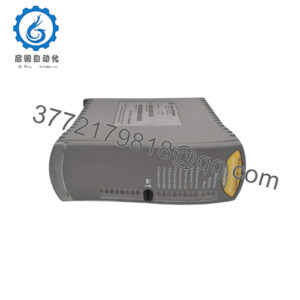
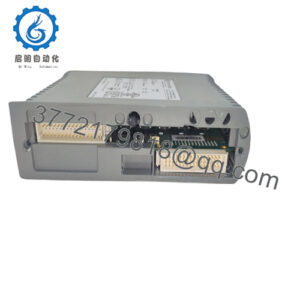
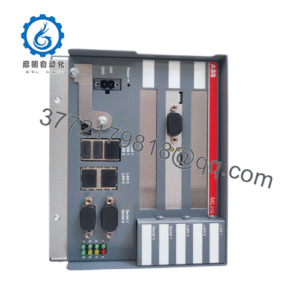
The Yaskawa JAMSC-B2605V is a legacy JAMSC module associated with Yaskawa MEMOCON-SC PLC systems. Secondary automation catalogs identify it primarily as a PLC input board, but available online records do not establish a dependable OEM specification for its input voltage, channel count, isolation, or terminal arrangement.
This part should be sold and purchased by exact catalog number, not by a generic “Yaskawa communication” or “input” description. Confirm the actual front label, revision, rack position, connector, and electrical schematic before installation. The “V” suffix may represent a hardware or circuit variation.
Troubleshooting Quick Reference
| Symptom | Possible Cause | Relevance to This Part | Quick Check Method | Recommendation |
|---|---|---|---|---|
| All input points are inactive | Rack power, backplane, common wiring, or CPU fault | ⚠️ Low to medium | Verify rack supply voltage and confirm whether adjacent modules operate normally | Check the rack and controller before replacing the module |
| One input point is inactive | Open field wire, failed sensor, incorrect polarity, or failed input channel | ✅ High | Measure the field signal directly at the terminal and compare it with the module LED | Trace the field circuit before condemning the board |
| Input LED is ON but PLC status is OFF | Backplane, slot addressing, configuration, or CPU communication issue | ⚠️ Medium | Compare the module slot with the controller configuration and read CPU diagnostics | Verify rack position and configuration before replacement |
| Input LED stays ON with field wiring removed | Shorted channel, leakage current, or failed input circuit | ✅ High | Isolate the field conductor and measure the input under the approved test method | Replace the module if the channel remains falsely active |
| Several adjacent inputs fail | Shared common, terminal block, fuse, or field supply problem | ⚠️ Medium | Measure the common and sensor supply at the terminal block | Repair the shared circuit before replacing the board |
| CPU reports a module fault | Wrong module type, incorrect slot, backplane fault, or board failure | ✅ High | Record the CPU diagnostic code and compare the installed part number with the configuration | Confirm JAMSC-B2605V identity and slot assignment |
| Inputs change intermittently | Loose connector, oxidation, vibration, noise, or failing input circuit | ✅ Medium | Monitor the point while moving the cable and inspect terminals and connectors | Repair wiring first; replace the module if the fault follows the channel |
| Replacement causes immediate fault | Different suffix, revision, input circuit, or connector arrangement | ✅ High | Compare both nameplates, connector layouts, terminal diagrams, and rack diagnostics | Stop commissioning and verify exact interchangeability |
| No LEDs on the module | No rack power, poor seating, backplane fault, or module failure | ⚠️ Medium | Measure rack voltage and reseat only with power isolated according to site procedure | Confirm power and seating before applying field signals |
| Input values are unstable | Electrical noise, shielding, grounding, or sensor supply problem | ❌ Low to medium | Check cable routing, shield termination, sensor supply, and signal stability at the terminal | Correct installation issues before replacing hardware |
| Unexpected serial communications alarm | Misidentified module or a system containing a communications variant | ⚠️ Medium | Inspect the physical board marking and compare it with the rack bill of materials | Do not rely on reseller descriptions; verify the OEM part identity |
Critical warning: Do not wire JAMSC-B2605V from memory or from a generic B26xx diagram. Photograph the old module, terminal labels, connector, rack slot, and LED state before removal. Verify the input circuit with the applicable Yaskawa manual before applying field voltage.
For technical support, provide the complete module label, revision marking, rack and CPU model, wiring photos, LED status, CPU diagnostics, and measured voltage at the field terminals.
JAMSC-B2605V
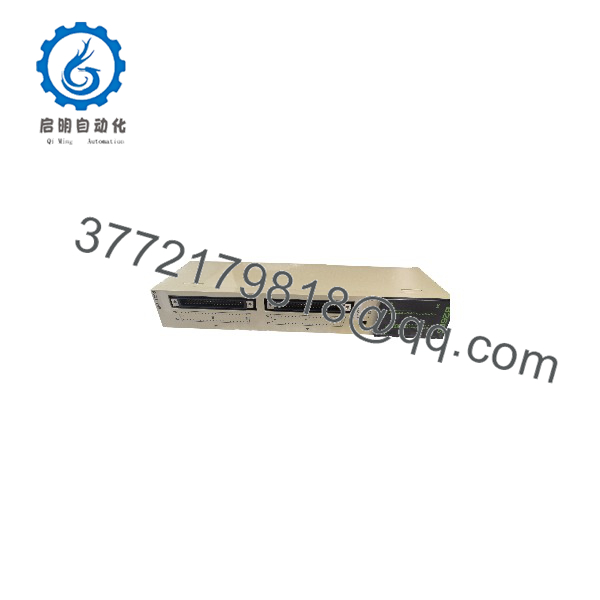
JAMSC-B2605V
Frequently Asked Questions (FAQ)
What is the Yaskawa JAMSC-B2605V?
It is a legacy Yaskawa JAMSC module associated with MEMOCON-SC PLC systems. Most secondary automation records classify it as a PLC input module, but online listings also contain conflicting communications-module descriptions. Confirm the physical nameplate and OEM documentation before publishing or installing it.
Is JAMSC-B2605V the same as JAMSC-B2605?
Not automatically. The “V” suffix may identify a different hardware revision or electrical configuration. Treat both as separate parts until the Yaskawa manual or an original wiring diagram confirms interchangeability.
Can I substitute JAMSC-B2605V with another B26xx module?
Do not assume compatibility. Related JAMSC-B26xx modules can differ in input circuits, signal levels, common wiring, connector layout, or system function. Match the complete part number and verify the circuit diagram before ordering a substitute.
Is this module obsolete?
It should be treated as a legacy component with limited availability. Supplier records list it through surplus and used-equipment channels rather than a clearly active current-production catalog. Confirm stock condition and request photos of the actual unit before issuing a purchase order.
What condition should I specify?
Use one precise condition statement: New Original, New Surplus, Used Tested, or Refurbished. Ask for the serial number, revision, connector photos, rack test method, input-channel test results, warranty, and return terms.
Does replacing this module erase the PLC program?
The control program is generally maintained by the controller and system memory rather than by an individual input board. Replacement can still require the correct rack slot, module identity, wiring, and configuration. Back up the controller and document the complete rack layout before removal.
What should a supplier test?
The supplier should verify the part number, physical condition, connector integrity, LED operation, rack recognition, and each applicable input or communications function using a compatible MEMOCON-SC test setup. The report should identify the tested serial number and applied test signals. A generic “tested OK” statement is inadequate for this legacy module.